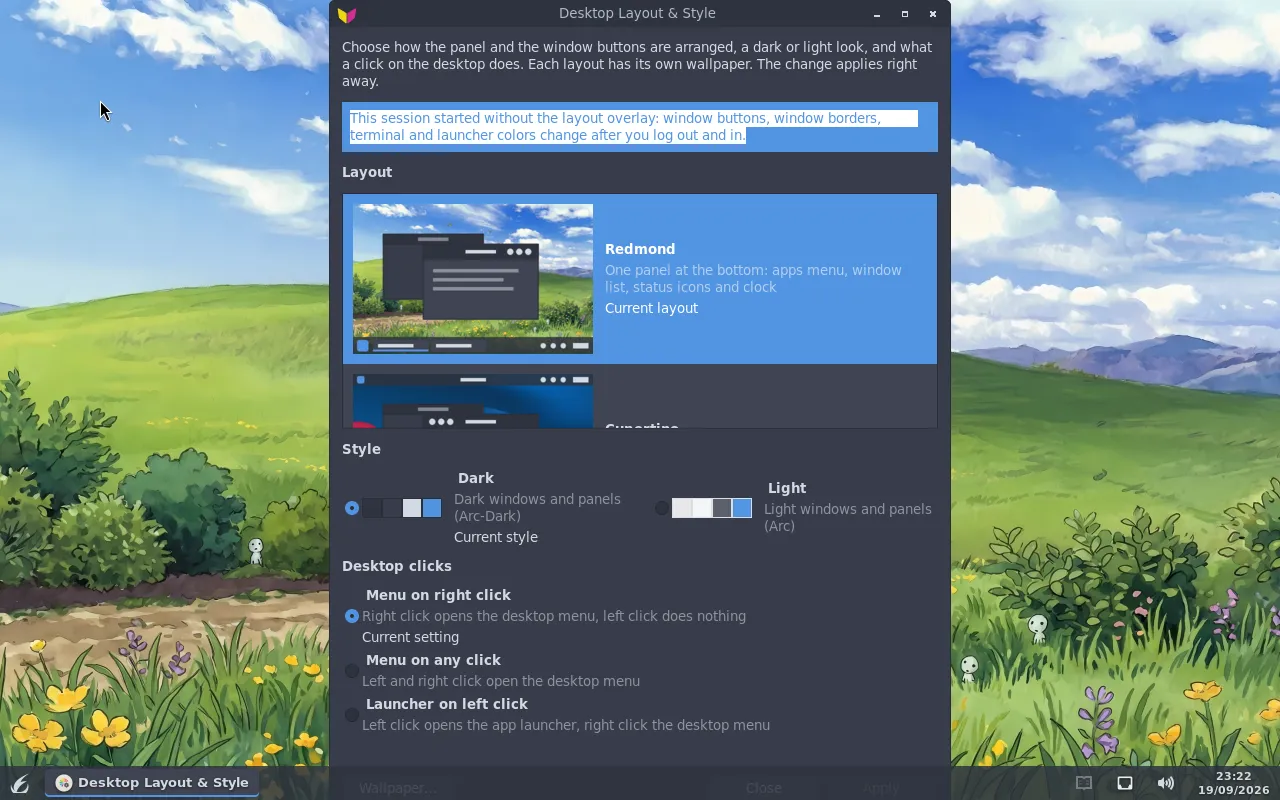
Screenshots
Real desktop captures from FlickOS 2.0 — not mockups.
Layouts
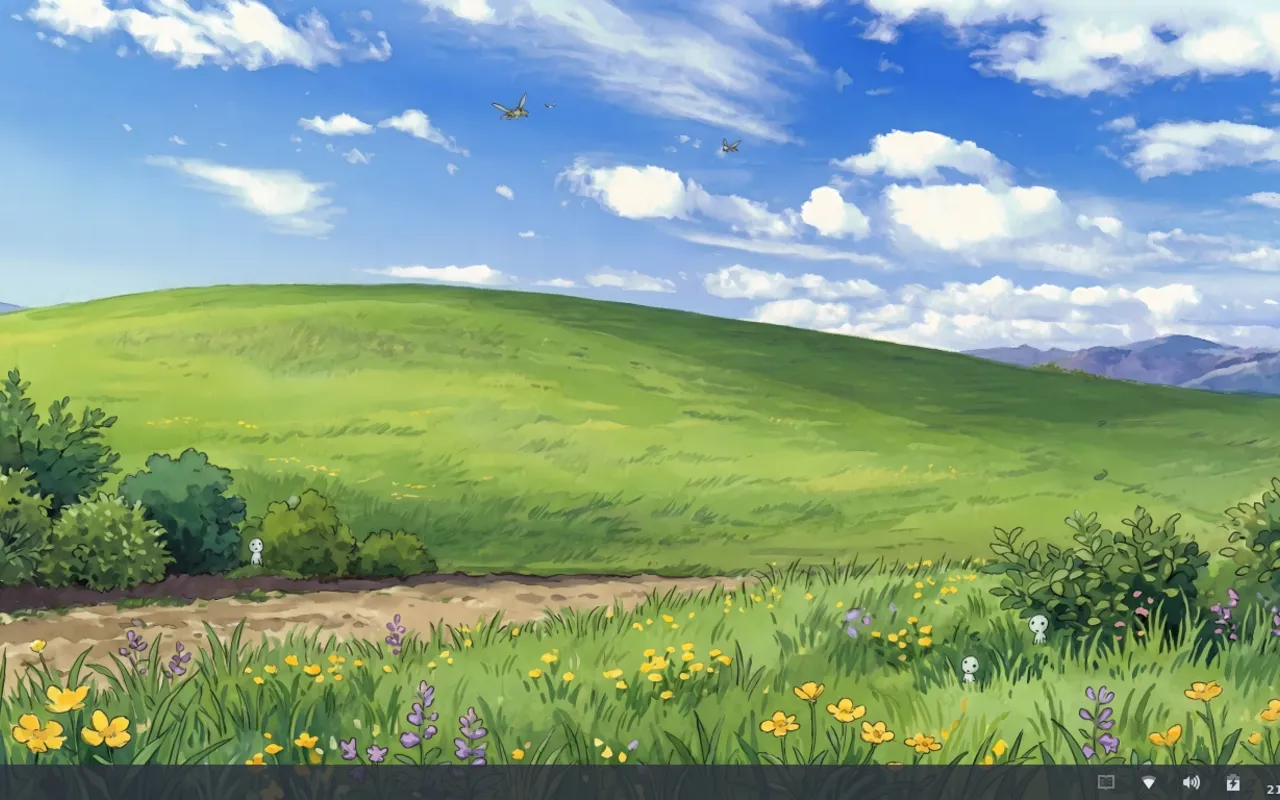
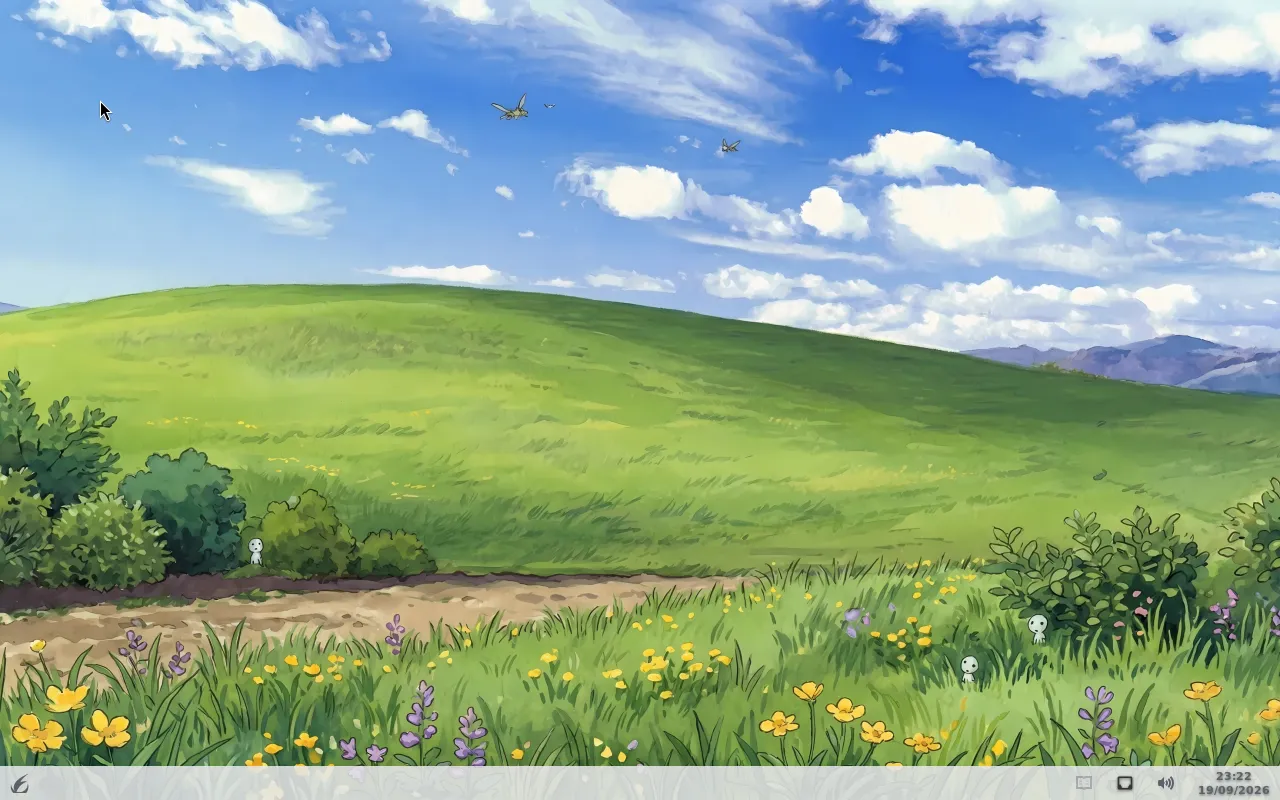
Redmond
Default bottom panel with window list and tray.
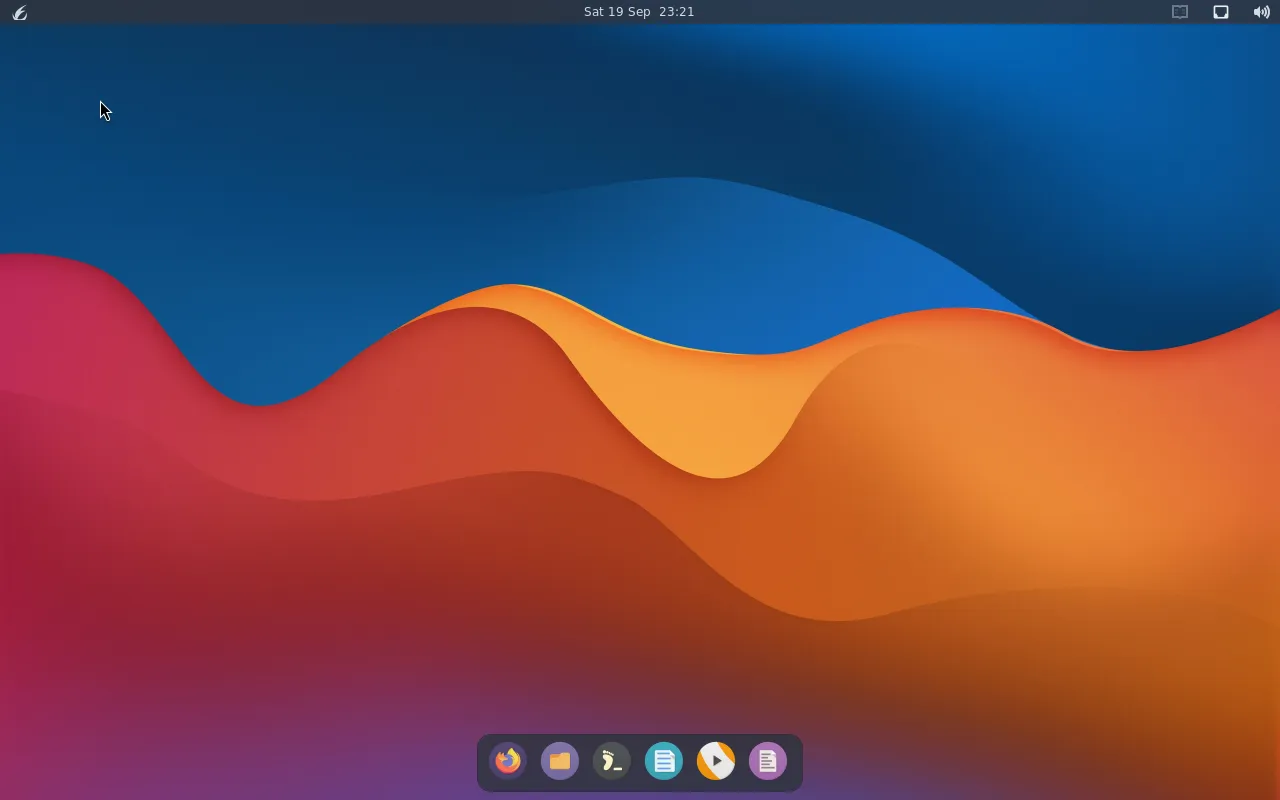
Cupertino
Top bar and centered dock.
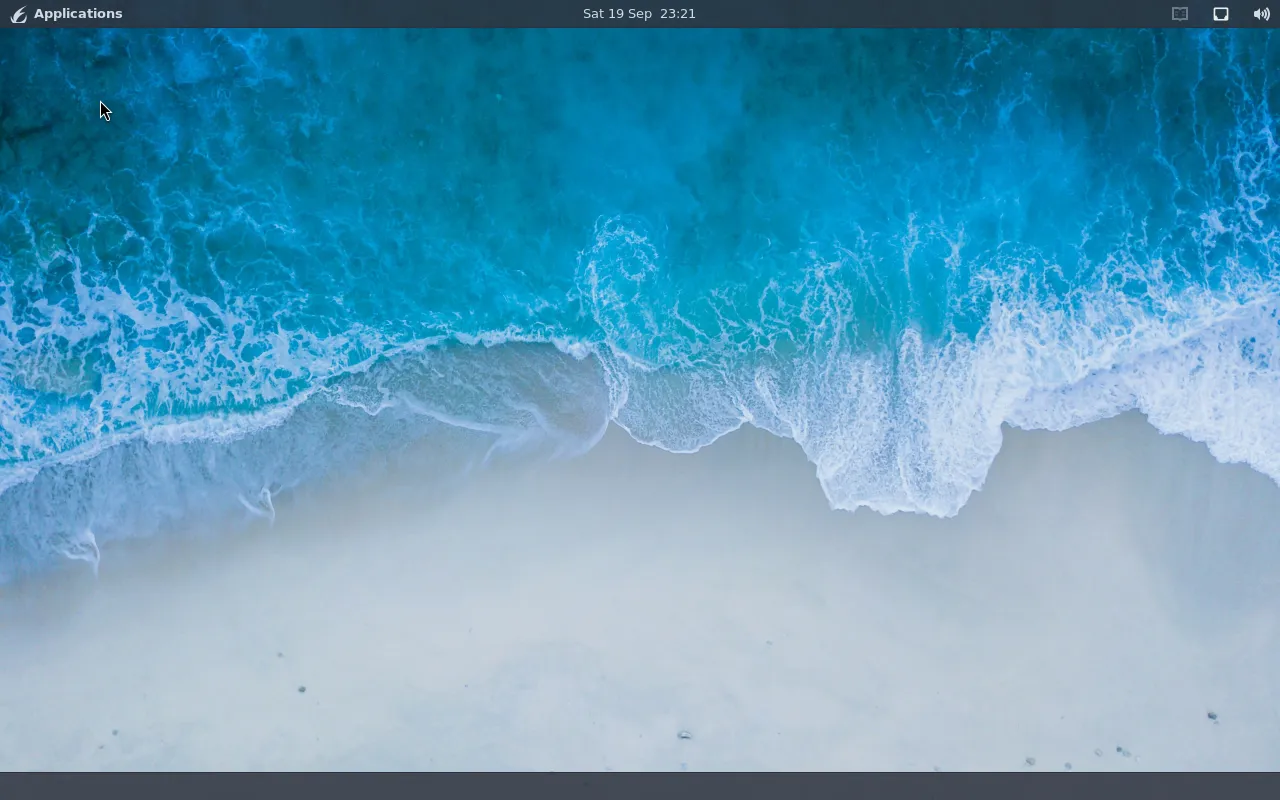
Traditional
Top panel and bottom window list.
Window tiling
flick-tiler is off by default. Super+T toggles it; Super+M cycles arrangements.
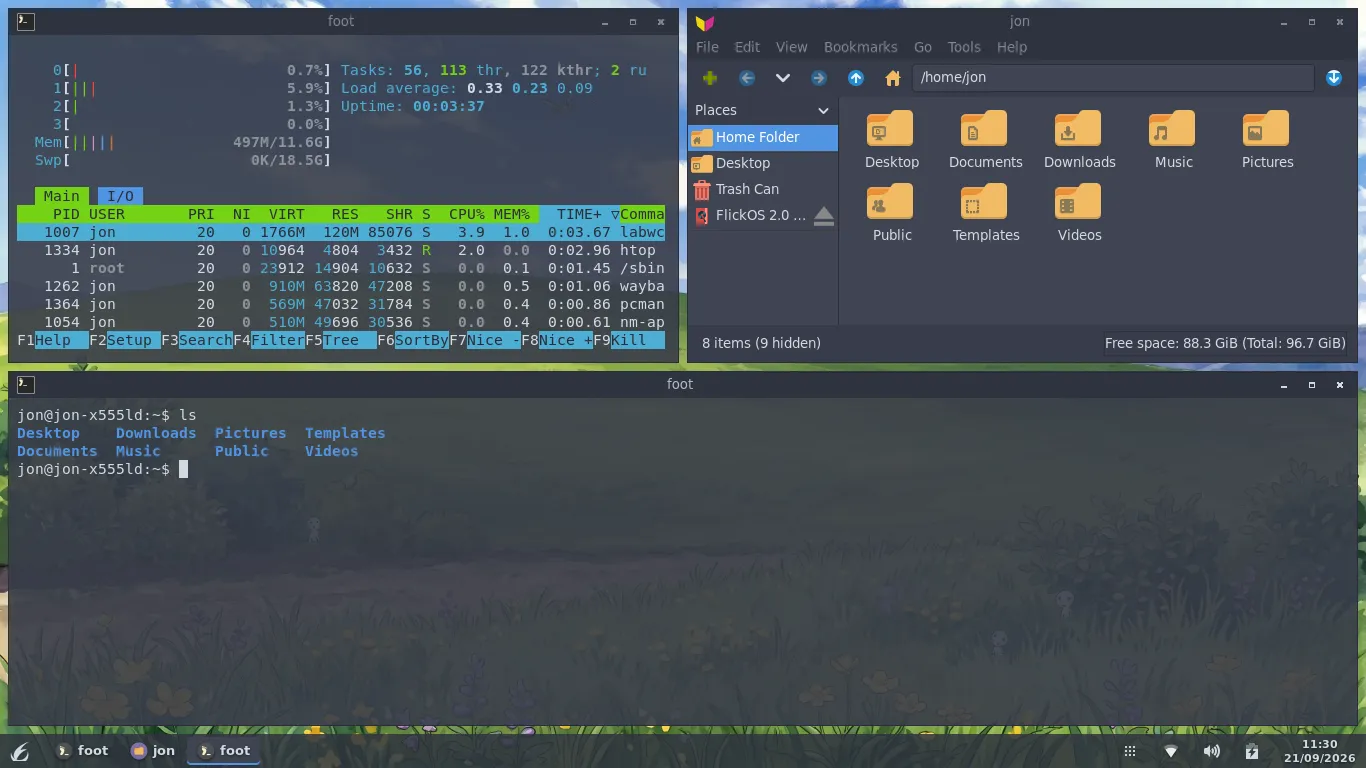
Grid
Even grid of tiled windows.
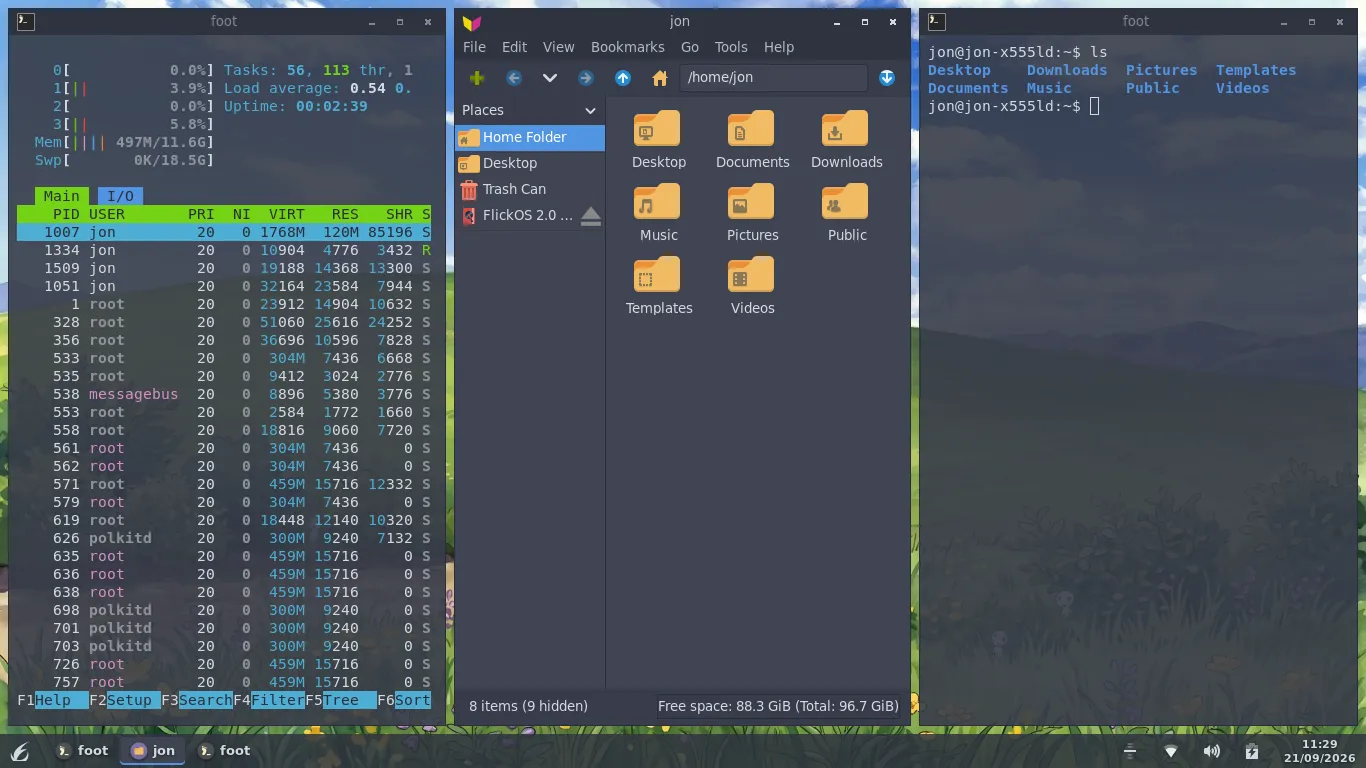
Columns
Side-by-side column arrangement.
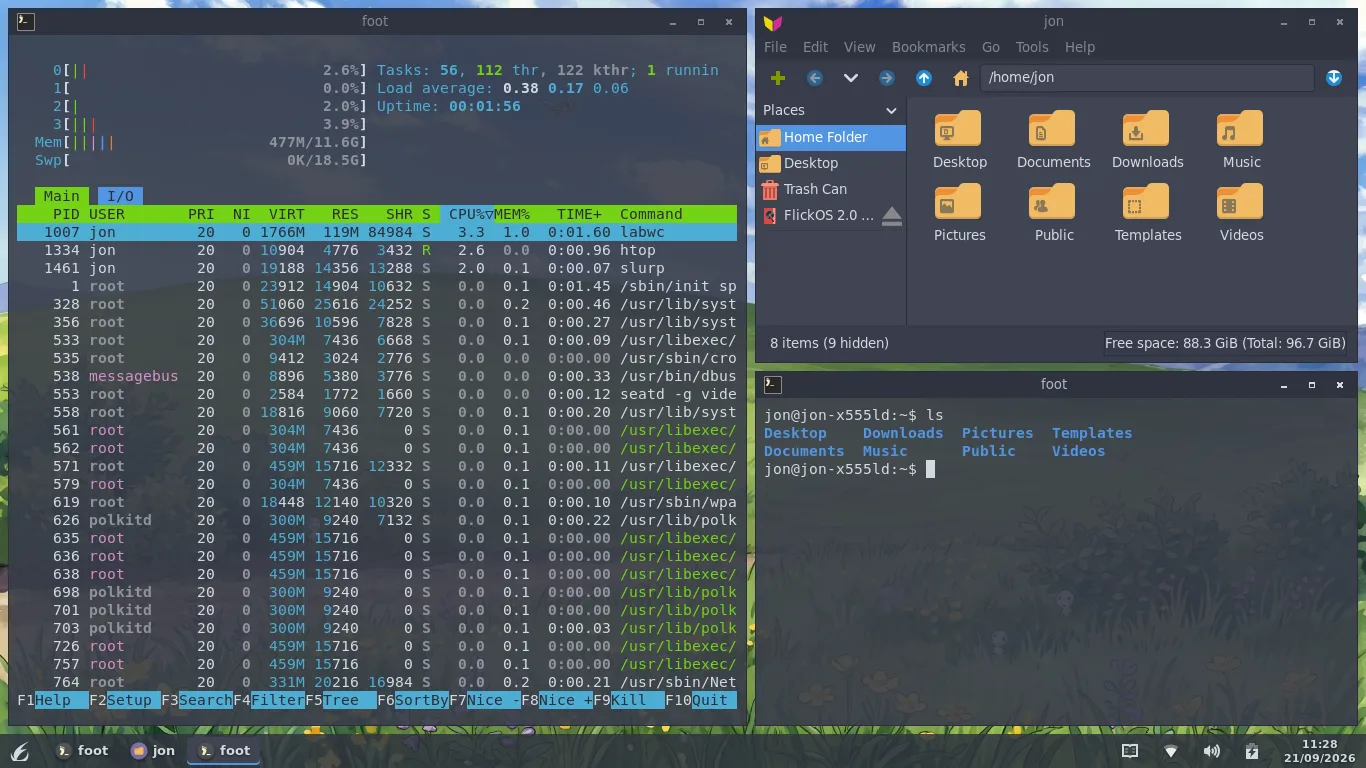
Master stack
One primary window with a stacked side.
Dark and Light
Arc-Dark is the default. Light recolors the desktop live.
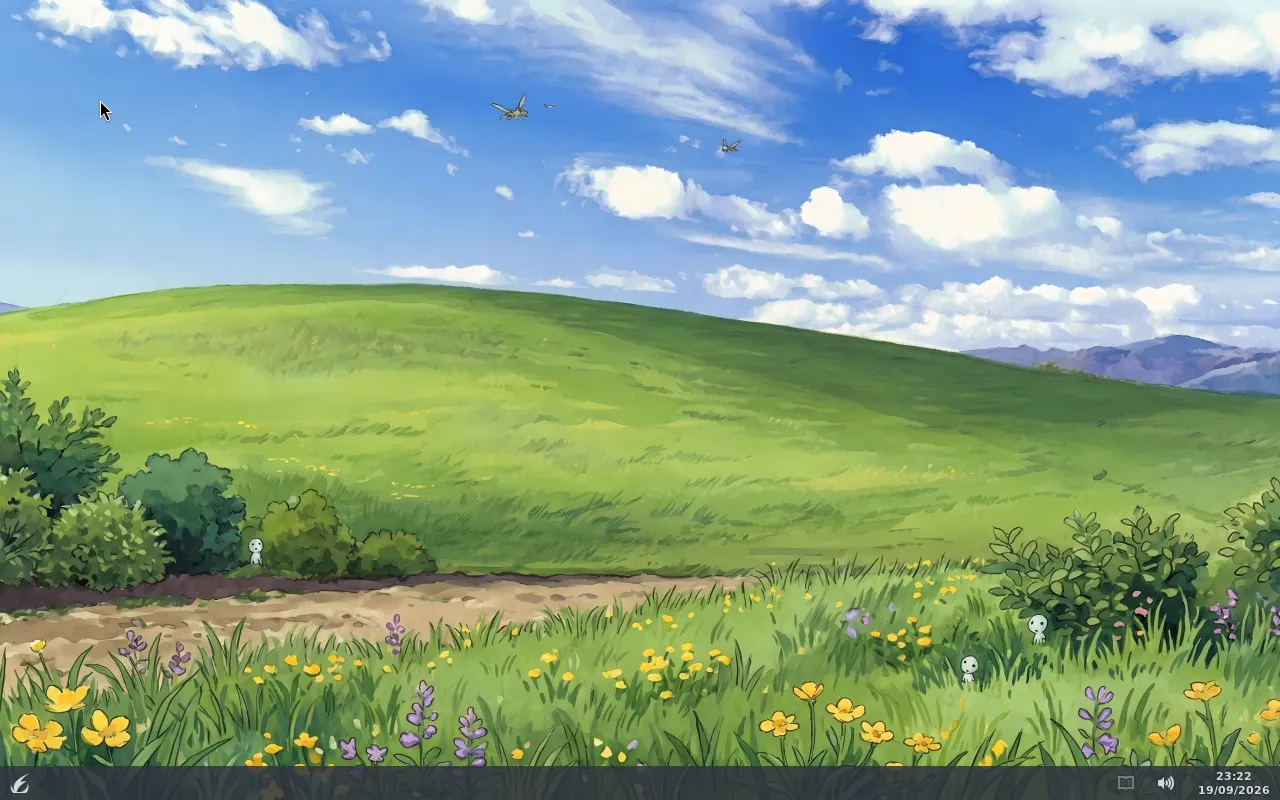
Dark
Light
Layout chooser
Opens from Settings, and once on a new account’s first login.